First run
- Open Settings, then SG.
- Enter your site address under Connection.
- Press Log in, then approve the request in the browser tab.
- Press Test.
- Pick the project under SG Defaults.
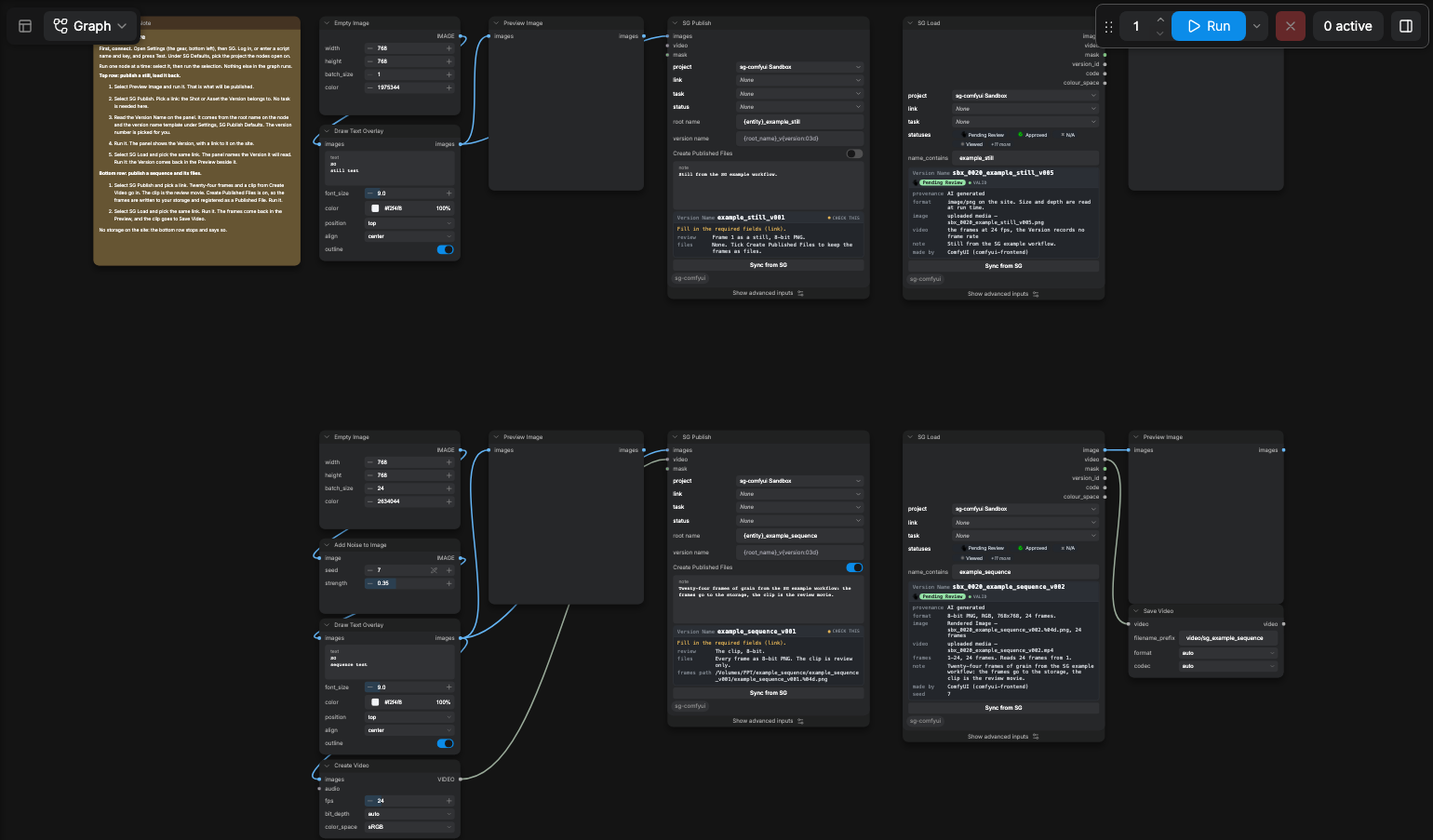
- Open the Templates browser, category sg-comfyui, and open
00_example. - Pick a link on each node.
- Press Run.
A farm enters a Script name and Application key under Script Authentication instead of step 3. An
agent follows the same steps with /setup.
Restart ComfyUI to install or upgrade the pack. A profile edit is read on a browser refresh.
Signing in
Both paths are under Settings, then SG.
A person, at a workstation
Press Log in under Log In As Yourself. Approve the request in the browser tab. The nodes publish as you.
A script, on a farm or a machine nobody signs in on
Make the script under Admin, then Scripts, in Flow Production Tracking. Enter its Script name and Application key under Script Authentication. The script needs read on Projects, Versions, Tasks and every entity type you link Versions to, plus create on Version and upload of media.
Press Test either way. It reports who the nodes publish as.
After the first Run
Without a measured profile the pickers run on the site's own defaults, which suit a Shot-linked
show. /inspect-site measures one project and writes profile.local.json.
An empty root name or version name shows the Settings template greyed inside it. /track-workflow adds the nodes to a graph you already use.